 Toybird Labs Blog
The six-page collection and schedule below are fictional planning examples. The days are a practical starting point to adjust, not a scientifically optimal interval or a promise about exam results.
Build a small registry of material you really use
| Page | Contents | How it will be used |
|---|---|---|
| P1 | Three vocabulary definitions | Short recall questions |
| P2 | A process diagram | Explain the arrows and labels |
| P3 | A comparison table | Say how two similar terms differ |
| P4 | Practice questions | Solve on paper or in the original format |
| P5 | Worked solutions | Locate the reason for a missed question |
| P6 | A duplicate of P1 | Do not add a second review item |
Keeping P4 for actual problem solving prevents a common mistake: converting every task into word recognition. P5 is valuable even when you do not quiz every word on it, because it is the route back to an explanation.
Name pages so an error can point to them
A label such as “Unit 3 — process — P2” is more useful than “photo 48.” Keep the original page number and topic in the title or note. Use folders for the current course or exam section rather than one undifferentiated collection.
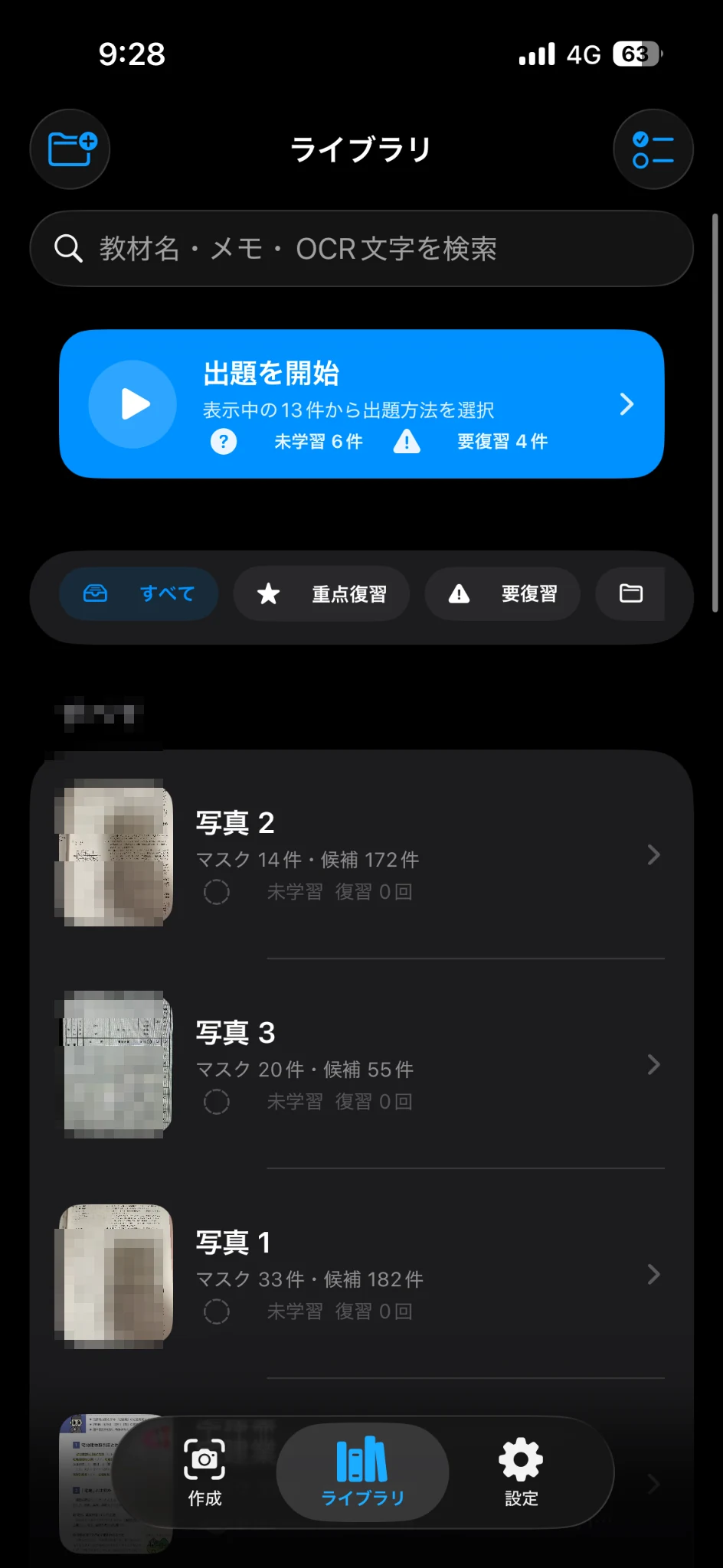
The image is an app-interface reference. The fictional P1–P6 collection is shown in the table, not inside the screenshot.
A first week with both recall and problem solving
| Day | Plan | What to retain afterwards |
|---|---|---|
| 1 | Read P1–P3 and prepare a few clear questions | Page references and any unclear masks |
| 2 | Answer P1 and explain P2 without looking at the terms | One error record per specific confusion |
| 3 | Compare the terms on P3; check yesterday's errors | Whether the explanation, not just the word, is now clear |
| 4 | Solve P4 in its original format | Link each error to P1, P2, P3 or P5 |
| 5 | Revisit the linked pages | A short explanation of each correction |
| 6 | Attempt a different question on the same weak topic | Whether knowledge transfers beyond the original page |
| 7 | Check unresolved points and plan the next week | A smaller list of specific targets |
Change the plan when the errors change
Suppose E1 is a missing term on P1, while E2 is an incorrectly explained arrow on P2. E1 can be checked with a term-recall question. E2 needs the diagram and an explanation of its direction; repeating a single hidden label may not fix it.
If day three is missed, do not double every task on day four. Keep the planned problem-solving attempt, then choose the two errors that most obstruct it. Move optional review of already secure words to a later gap. This is a workload decision, not a claim that a particular spacing schedule suits every learner.
Use the app for the part it helps repeat
In AI Study Sheet, import the selected photo/PDF pages, check masks before saving, and use folders or search to choose the scope of a session. Ordered, random and weak-point-focused sessions serve different purposes: follow a process in order, check recall without relying on page order, or revisit recorded weak points. Choose a session size you can actually complete.
Do not confuse app results with complete mastery of a school subject or certification. Essays, calculations and unfamiliar problems still need their own practice. The intended weekly result is a manageable set of pages, a record of why each matters and a short route from an error back to its explanation.