 Toybird Labs Blog
The small worksheet below was written for this article. Its water-cycle explanations are based on USGS material; the questions and layout are our teaching example, not a screenshot of automatic app detection.
Start with a source you can check
| Source | Term | Short explanation |
|---|---|---|
| R1 | Evaporation | Liquid water changes into water vapor. |
| R2 | Condensation | Water vapor changes into liquid water. Tiny droplets can form clouds. |
| R3 | Precipitation | Water falls from clouds as rain, snow or other forms of precipitation. |
The useful distinction is a change of state versus water falling. A learner who swaps condensation and precipitation needs to return to R2 and R3, not merely look at the right word once. See USGS: condensation and USGS: precipitation.
Hide the answer, not the whole explanation
| Keep visible | Hide | Why |
|---|---|---|
| “Liquid water changes into water vapor” | Evaporation | The state change is the clue being understood. |
| “Water vapor changes into liquid water” | Condensation | This distinguishes the reverse process. |
| “Water falls from clouds as rain or snow” | Precipitation | Falling, not just forming droplets, is central. |
Hiding both the term and its explanation leaves no meaningful question. Leaving the same term in a nearby heading gives the answer away. Inspect the whole page, including captions, before deciding that a mask is sufficient.
Try the three questions before revealing the answers
Practice in this article
Illustrative exercise, not the application interface.
Q1. What is the change from liquid water to water vapor called?
Show the answer
Evaporation: liquid water becomes water vapor.
Q2. What is the change from water vapor to liquid water called?
Show the answer
Condensation: liquid droplets form.
Q3. What is water falling from clouds as rain or snow called?
Show the answer
Precipitation: distinguish falling from the formation of droplets.
This exercise is part of the article, not the AI Study Sheet app. You can reproduce the idea with your own authorized page: keep the explanation or diagram, hide the specific answer, say the answer, then reveal it.
Move your page into AI Study Sheet
Take a clear photograph or select an image/PDF. In standard mode, inspect the suggested masks and adjust them where the app permits. Existing red/orange marked material uses a different mode; do not assume all editing controls are available there. Start with a page whose terms and explanations are easy to read before attempting dense handwriting or complex layouts.
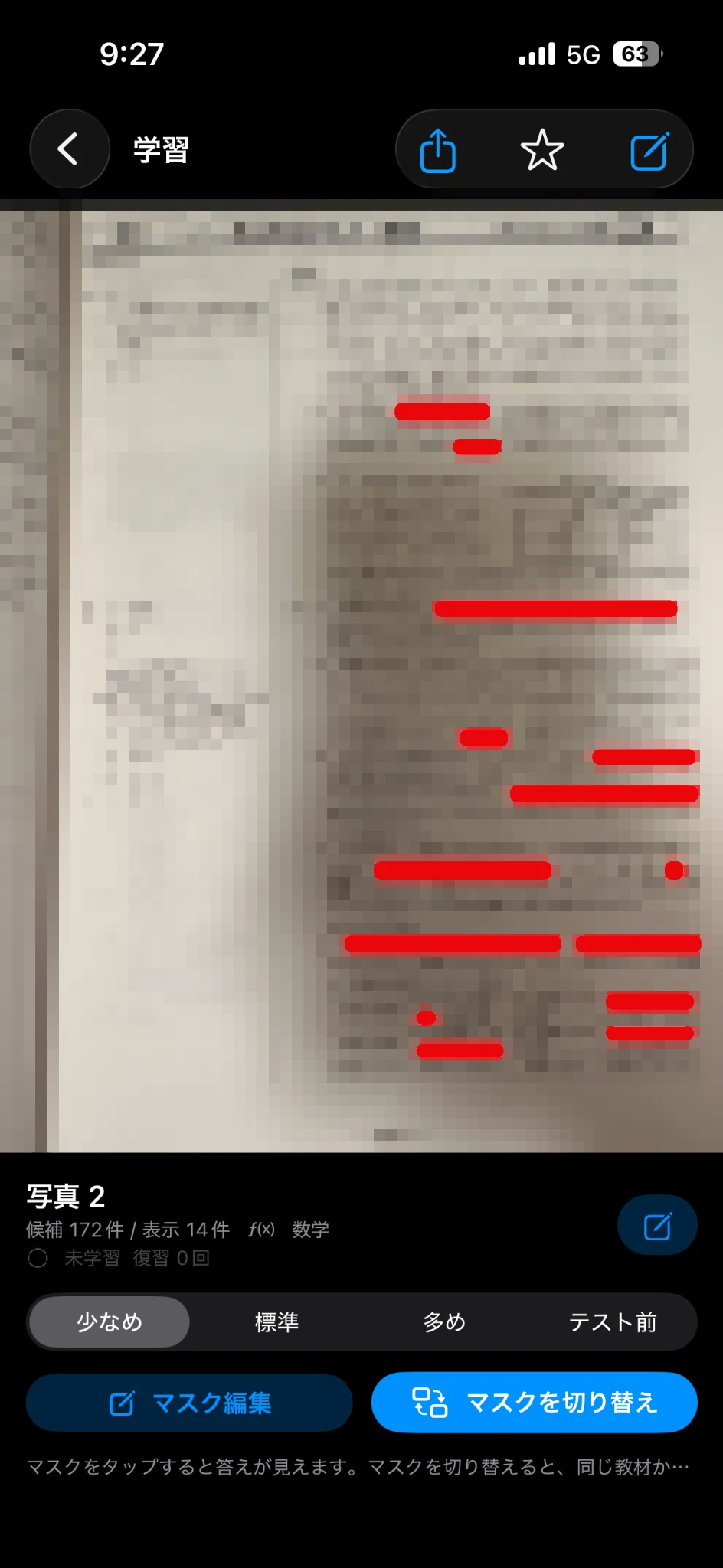
The image shows the app's study interface with its original demonstration material. It is not a claim that the water-cycle worksheet above was processed by the app in this session.
Record the kind of mistake, not just the count
| Attempt | What happened | Useful next step |
|---|---|---|
| Evaporation answered correctly | Term and explanation matched | Revisit after a gap, rather than immediately repeating only this word. |
| Precipitation answered for condensation | Two processes were confused | Compare R2 with R3, then answer what changes in each. |
| Answer unreadable in the photograph | Input quality failed | Replace the image before interpreting this as a memory failure. |
An uncertain answer should send you back to the original paragraph or diagram. If you cannot explain the relationship even with the words visible, read or solve a problem before adding more masks.
Finish one page before importing everything
The first useful result is one page with three answerable questions, readable source text and a clear correction route. AI Study Sheet makes the same material available for repeated recall; it does not establish whether every automatically selected word is the right thing for your exam. Once this page works, use the companion worksheet-planning guide to organize several pages over a week.