 Toybird Labs Blog
A receipt from a café, a convenience store, or your usual shop can be the start of a small game. In Toyceipt Collection, you scan it on your iPhone and meet a character called a Pal. That Pal then joins your collection.
The first moment is about seeing who appears. As your collection grows, you can compare appearances and personalities, find new traits, and explore the Discovery Book. You can begin with a receipt you already have.
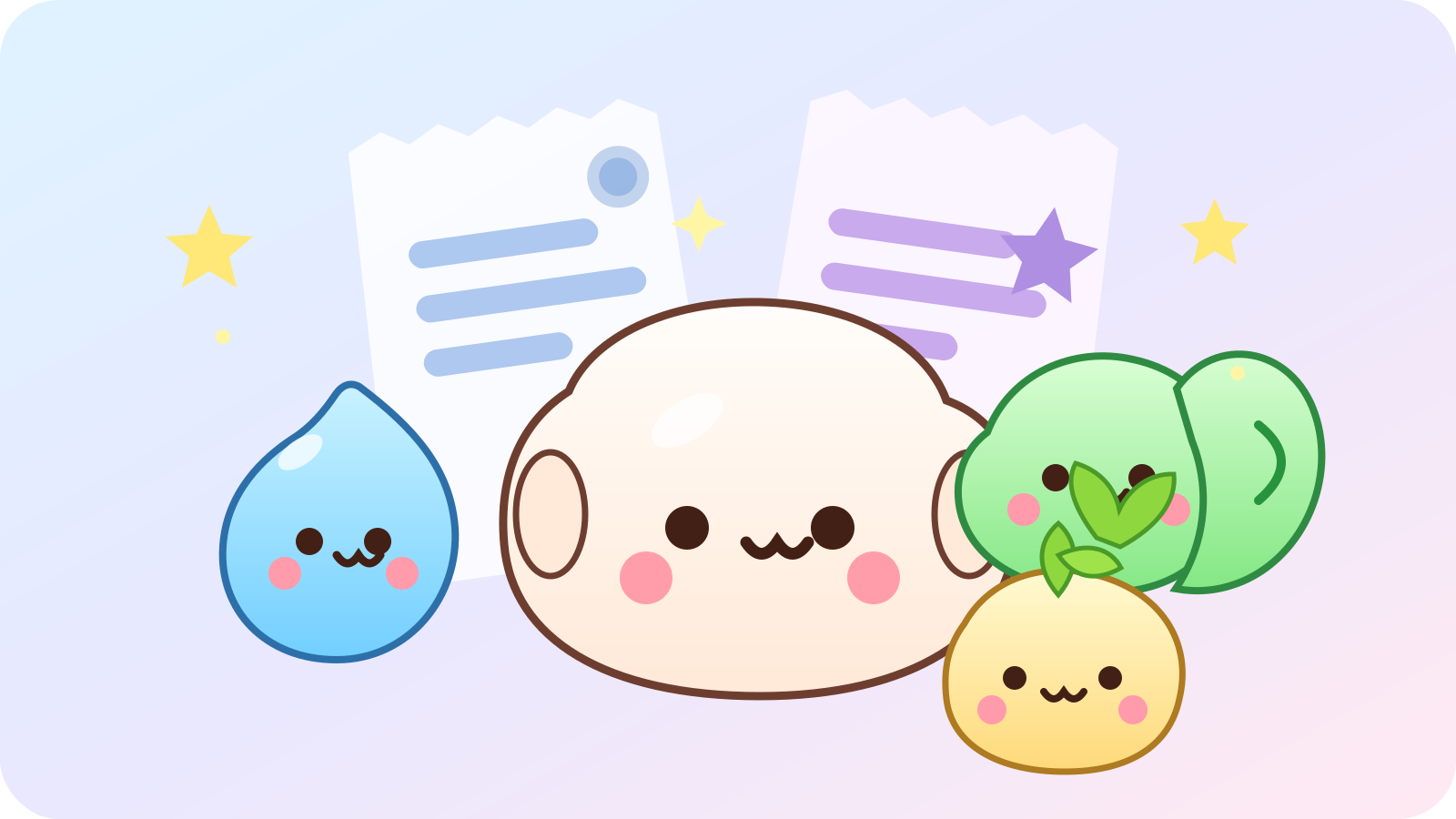
Meet your first Pal with one receipt
- Open Scan. Take a photo of a receipt or choose an image from your photo library.
- Include the readable receipt. Try to capture the merchant information, date, purchased items, and total.
- See who appears. When the scan is accepted, the receipt produces a Pal.
- Visit your collection. The Pal is saved automatically, so you can return to its details and choose your favorites.
A receipt normally produces one Pal. When you have a different receipt, you have another opportunity to see who will join the collection.
Look beyond the first impression
Families, colors, patterns, accessories, attributes, personalities, signatures, and rarity combine to give Pals their character. After a reveal, compare the new arrival with a Pal you already like.
You might follow a favorite visual style, look for a family you have not discovered, or notice differences in personality. There is no need to choose a single collecting goal. Finding a detail that makes a character memorable can be as enjoyable as adding another entry.
Give your collection a reason to be opened again
The Discovery Book records the families, attributes, personalities, signatures, and rarities you have found. New discoveries add to your Discovery Score, while achievements mark collection milestones.
On a day when you scan a receipt, enjoy the reveal. After several new arrivals, open the book to see what you have discovered and what remains unfamiliar. Weekly discoveries provide another reason to revisit your collection. Apple Game Center is optional.
Share a favorite character
You can create a share card for a Pal and choose where to send it through the standard iPhone share sheet. The card presents the character’s game information; it does not include the details of the receipt.
A single character can give you something to show a friend without explaining the entire collection. You can also keep the collection for yourself and simply return to the Pals you enjoy.
Help a difficult receipt scan
Receipt formats vary by shop and language, and some formats may not be recognized. Try a clear, well-lit image without strong glare or blur. Check that the date and total are not cut off, especially on a long receipt.
If you delete a Pal, duplicate-prevention and discovery records may remain. Scanning that receipt again does not necessarily recreate the deleted character. The support page explains these details.
Start free with an everyday purchase
Toyceipt Collection is free for iPhone with iOS 17 or later. A small banner ad supports the game, while scanning and reveal screens stay focused on the experience. The app supports ten languages, including English and Japanese.
Receipt recognition takes place on your device. The app does not retain the original receipt image or the full OCR transcript after processing. Readable purchase details are stored locally and are not uploaded to Toybird Labs servers in this version. Advertising and analytics are explained in the privacy policy.
This guide covers the released version 1.1.0. Start with one receipt you have on hand, then take a closer look at the Pal it brings to your collection.